PLC Batch Control with ISA-88 Phases in Studio 5000
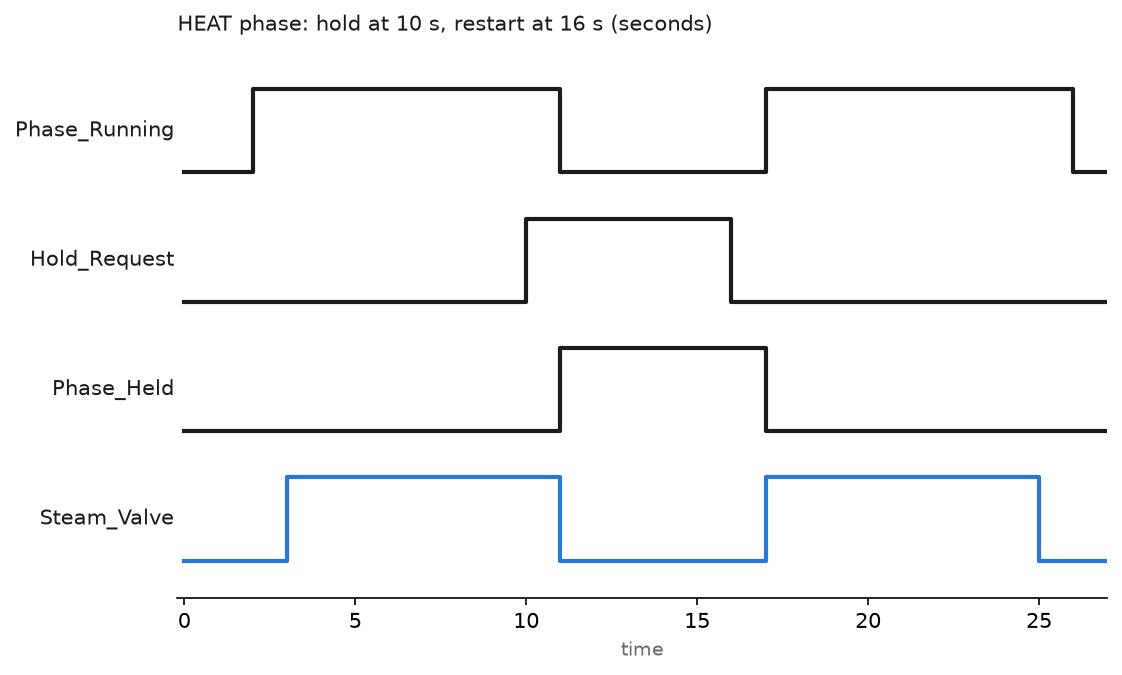
Build PLC batch control the ISA-88 way: procedure and phase breakdown, the phase state model, recipe parameters in a UDT, hold and restart logic.
Build PLC batch control the ISA-88 way: procedure and phase breakdown, the phase state model, recipe parameters in a UDT, hold and restart logic.
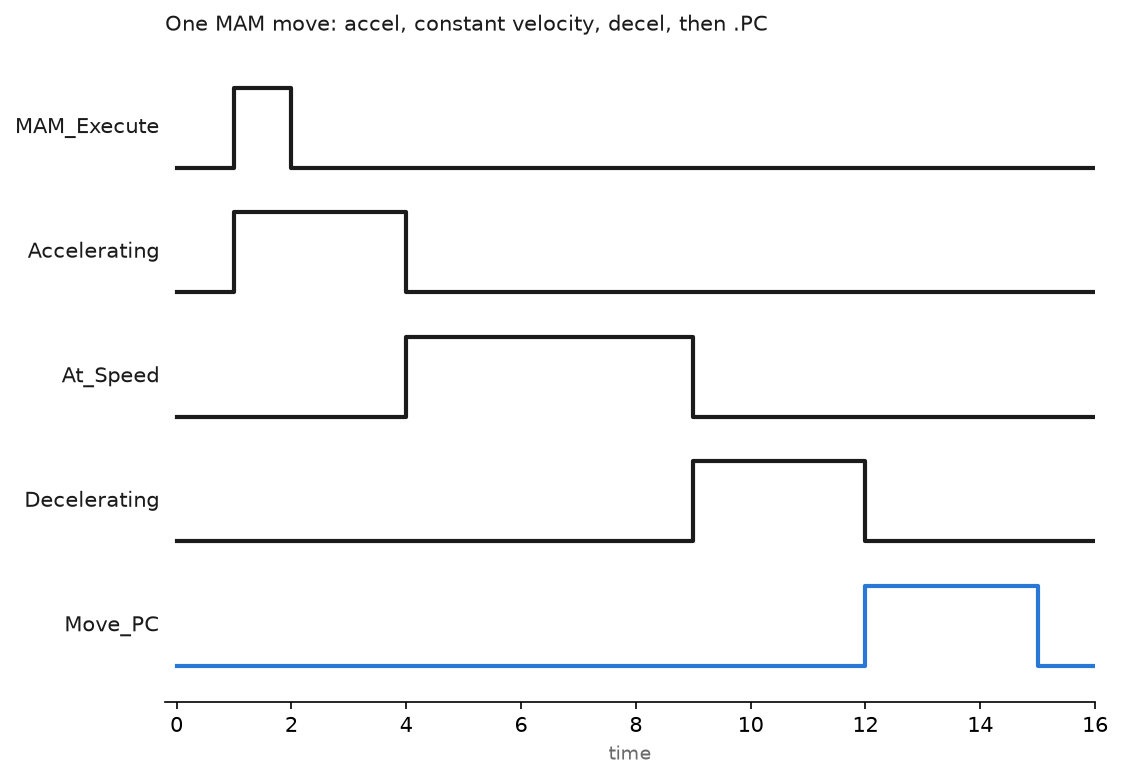
PLC motion control step by step: motion group setup, coarse update period, axis scaling, MSO and MAM moves, homing, gearing and position error faults.
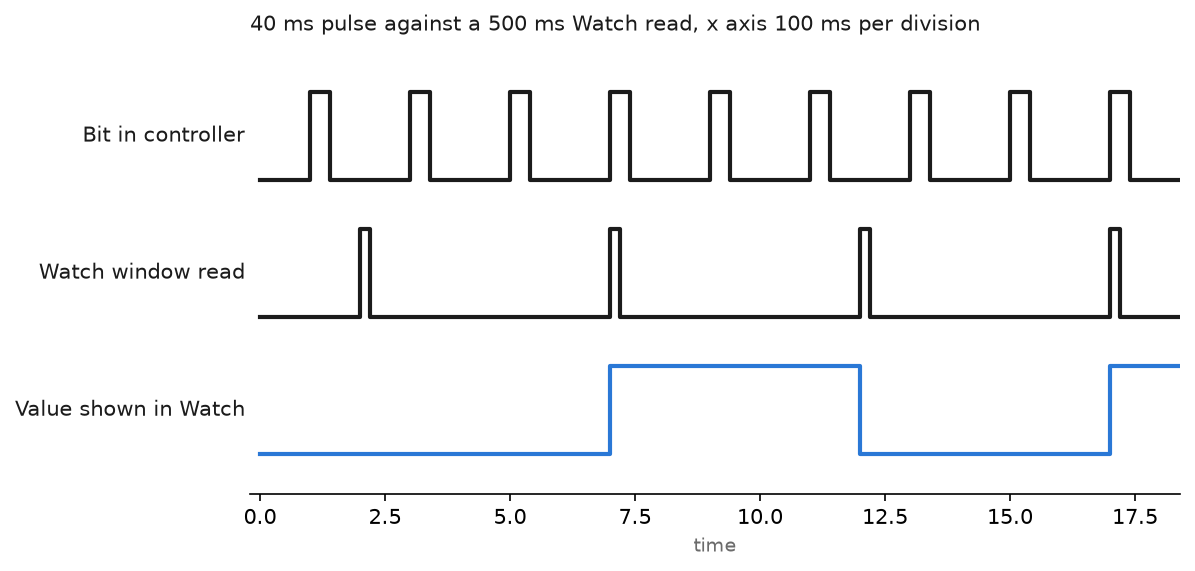
Build watch lists in the Studio 5000 Watch window, monitor and write tag values online, and know when the sample rate hides what you are chasing.
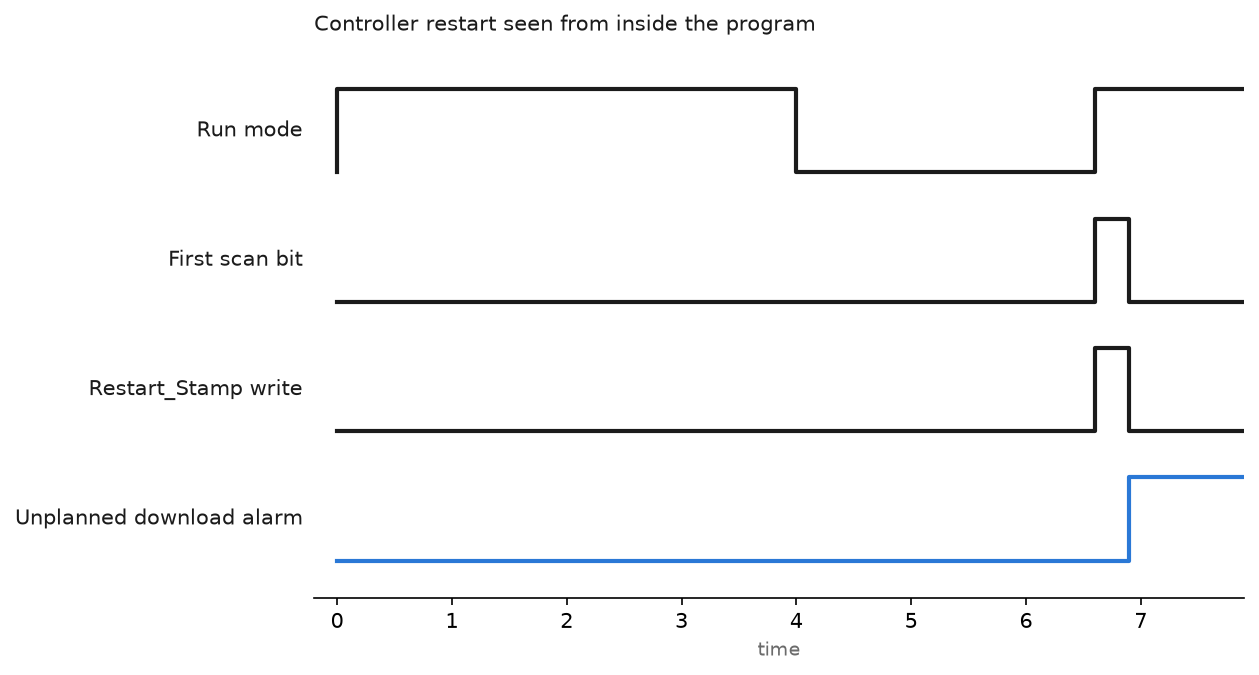
Zones and conduits, the controller key switch, FactoryTalk Security, firewall rules for 44818 and 502, and a backup you have actually restored.
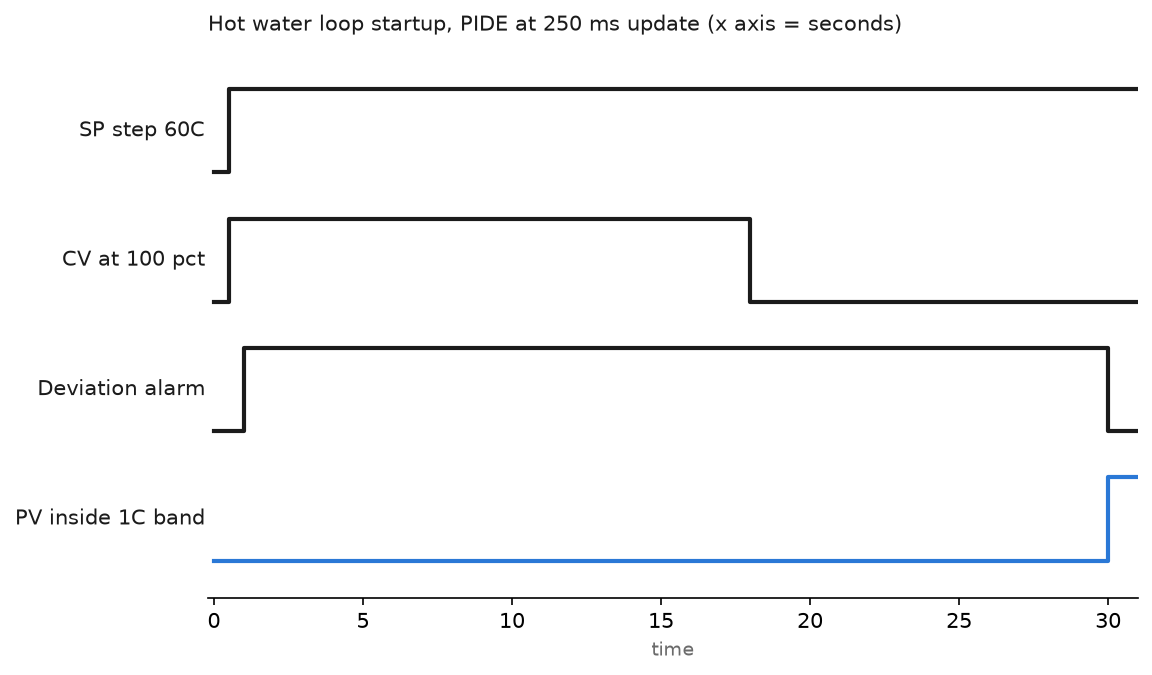
Scale the analog signals, pick PID or PIDE, put the loop in a periodic task, then tune from a bump test. Siemens PID_Compact covered as well.
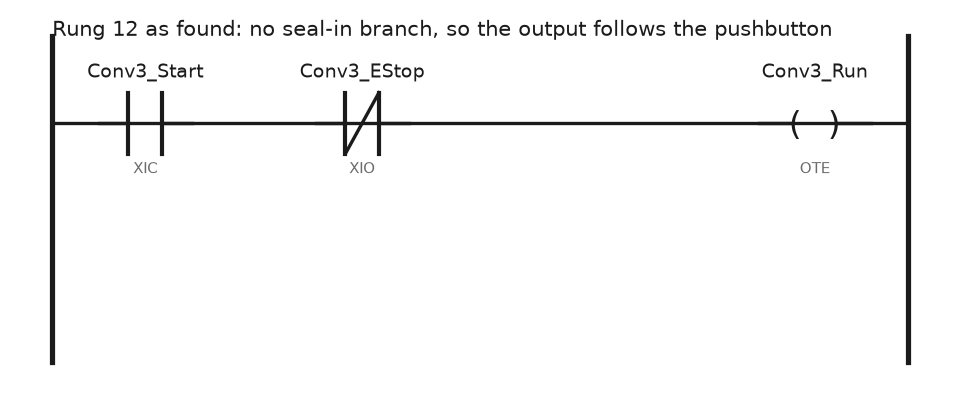
A rung by rung ControlLogix ladder troubleshooting method: read the highlighting, use cross reference and search, find double coils, read the fault record.

The controller is in Program mode, the OK indicator is flashing red, and the Major Faults tab in Studio 5000 reads Type 4, Code 20. Two numbers, and they are the whole diagnosis. An instruction reached for an array element that does not exist. Nothing is wrong with the hardware. Type tells you which part … Read more

In order to upload a program to the PLC, you must first be able to connect to the PLC. If you do not know how to connect to a PLC, I recommend you to read the article on how to connect to a PLC on our site. In this article, I will talk about how … Read more

When you buy the plc CPU for the first time, you need to upgrade to the appropriate version for your program. If your program is written with version 30, you need to upgrade your CPU to version 30. CPUs come as version 1 by default. You can easily upgrade the CPUs of PLCs with Firmware … Read more

Importing an Add-On Instruction Definition Perform this procedure when you want to use the definition for an Add-On Instruction that was exported from another Logix Designer application project. Once the project has the definition, you can use the instruction in your programs. Right-click on the Add-On Instruction folder and select Import Add-On Instruction from the … Read more

How to Create Add-On Instructions in Logix Designer One of the most powerful newer features of the RSLogix 5000 program is the ability to create Add-On Instructions, It is one of the features that makes the algorithm easy and enjoyable for plc programmers. How to create and use the Add-On instruction Now we will go … Read more

Add-On Instructions Add-On Instructions are user-defined instructions. When you define an Add-On Instruction in a project it behaves similarly to a built-in instruction. You can define these instructions or they can be provided to you by someone else. An Add-On Instruction enables you to encapsulate your most commonly used logic as sets of instructions. These … Read more