Allen-Bradley Function Block: What Decides Execution Order

plc programming plc

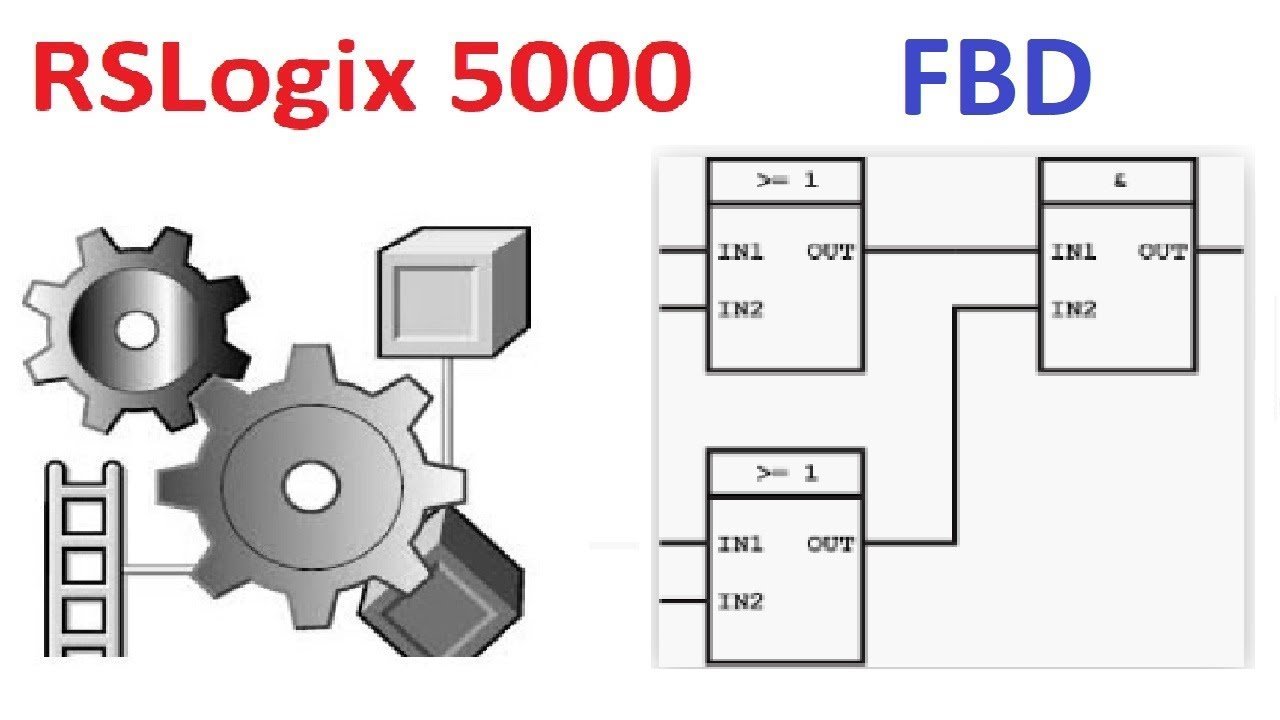
A function block routine that verified fine last week now has a question mark on four blocks and will not download. Or worse, it downloads, runs, and one value on the HMI is always one scan behind the others. Nobody moved a block. Somebody added a wire. Execution order in FBD has nothing to do … Read more

How to get data from plc to excel

plc programming img 5ff1daa8e5f7e plc

How to communicate with PLC via Excel? In order to get data from PLC with Excel, we need to use OPC. If you are using Rockwell Allen-Bradley plc, no other tool is required for OPC because we can transfer data from Allen-Bradley PLCs via OPC with the RSlinx application. Note that the RSLinx application we … Read more

How to add PowerFlex AC Drive to Studio 5000 Project

PowerFlex 525 AC Driver

Allen Bradley Power Flex AC Driver Allen Bradley Power Flex AC drives can communicate with the desired communication protocol by installing Ethernet/IP, ControlNet, and DeviceNet modules. In the main chassis, we will continue with the article where Control Logix PLC is located and we added an ethernet module in our previous article. New Module Add … Read more

Allen-Bradley PLC I/O Faults Causes/Solutions

plc programming plc errors plc

Depending on the controller, the indication of I/O failure will be displayed in various ways. The I/O indicator of the controller (as shown in the example below) flashes green or red. The following table lists common I/O failure codes and corresponding descriptions and recovery methods (if applicable). Each code is listed as a complete hexadecimal … Read more

Assign an IP Address within the Studio 5000 Environment

plc programming Troubleshoot EtherNet IP Networks Application Technique ENET AT003B EN P 1 plc

If a Logix Designer project is online with a controller that communicates to or through the EtherNet/IP communication device, you can use the Logix Designer application to assign an IP address. To use the Logix Designer application to set the communication device’s IP address, follow these steps 1. In the Controller Organizer, right-click the EtherNet/IP … Read more

Advertisement