Functional Safety PLC: Risk Assessment to PLd Architecture
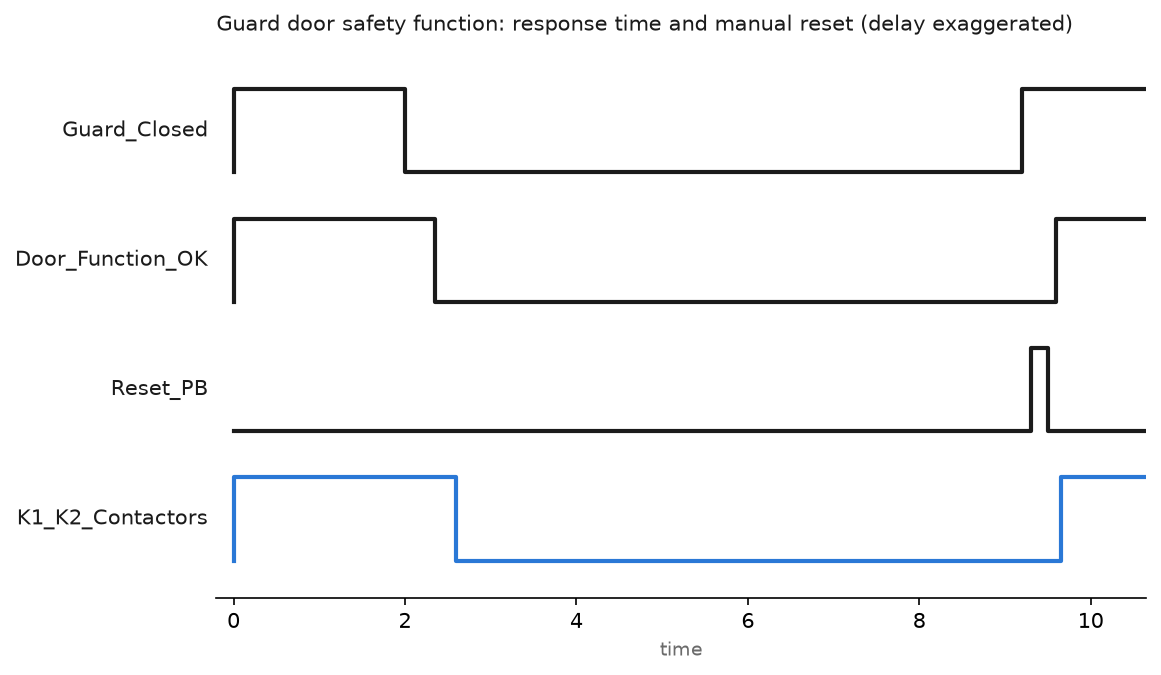
How functional safety works on a PLC job: the ISO 13849-1 risk graph, PLr, category 3 architecture, MTTFd, DC, CCF, a PFHd budget and SISTEMA.
How functional safety works on a PLC job: the ISO 13849-1 risk graph, PLr, category 3 architecture, MTTFd, DC, CCF, a PFHd budget and SISTEMA.
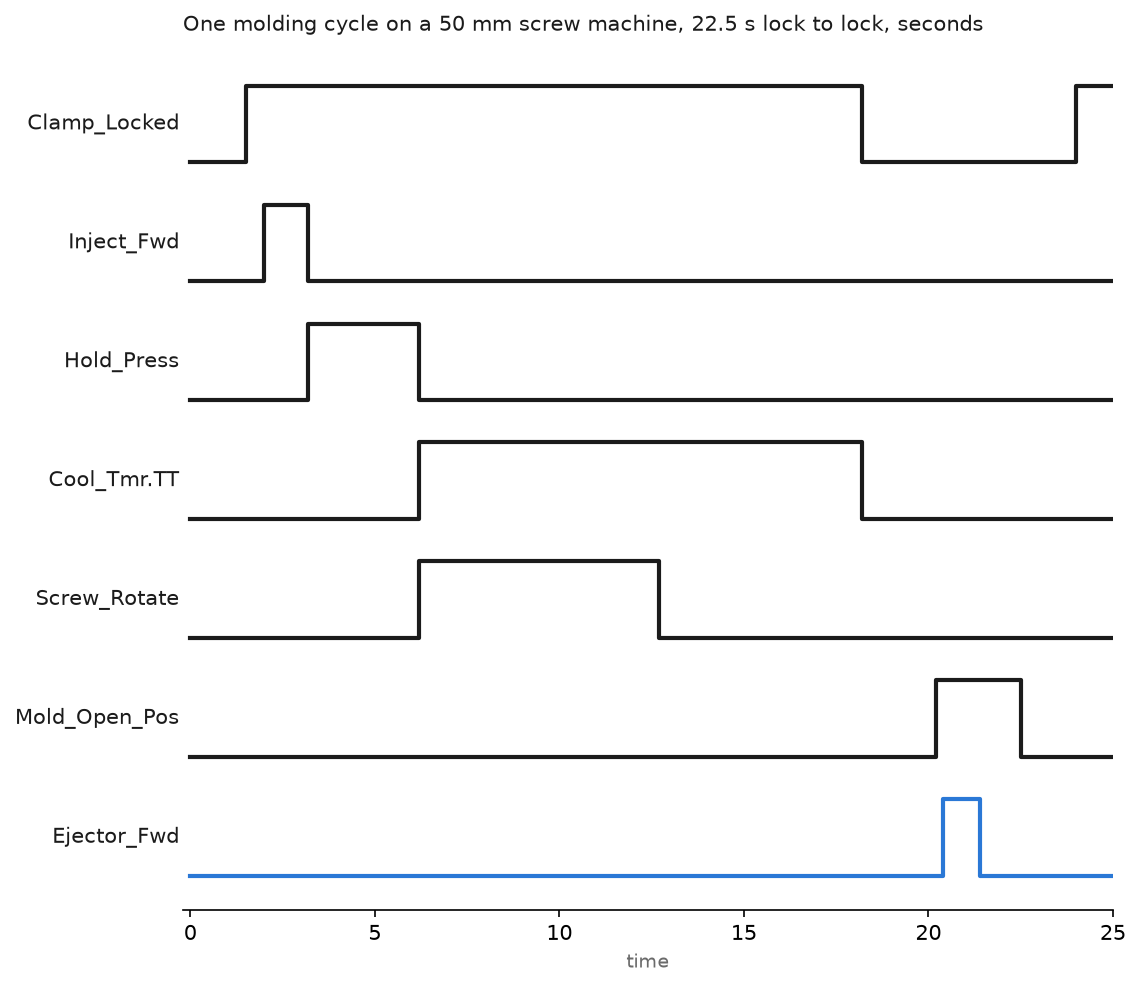
Injection molding from the controls side: the cycle as a state machine, barrel zone PID and thermocouple checks, EUROMAP 67 and 77, guards, and rubber.
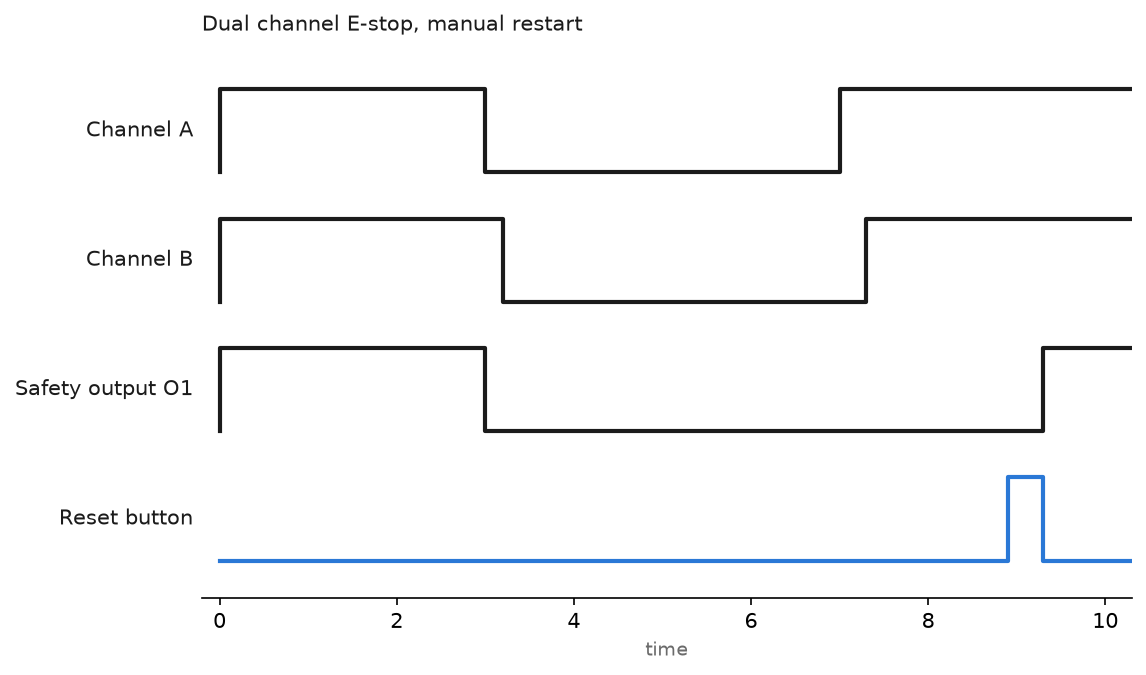
When a standard interlock is not enough, how to wire and configure a dual-channel E-stop on GuardLogix safety I/O, and the reset rule nobody may break.
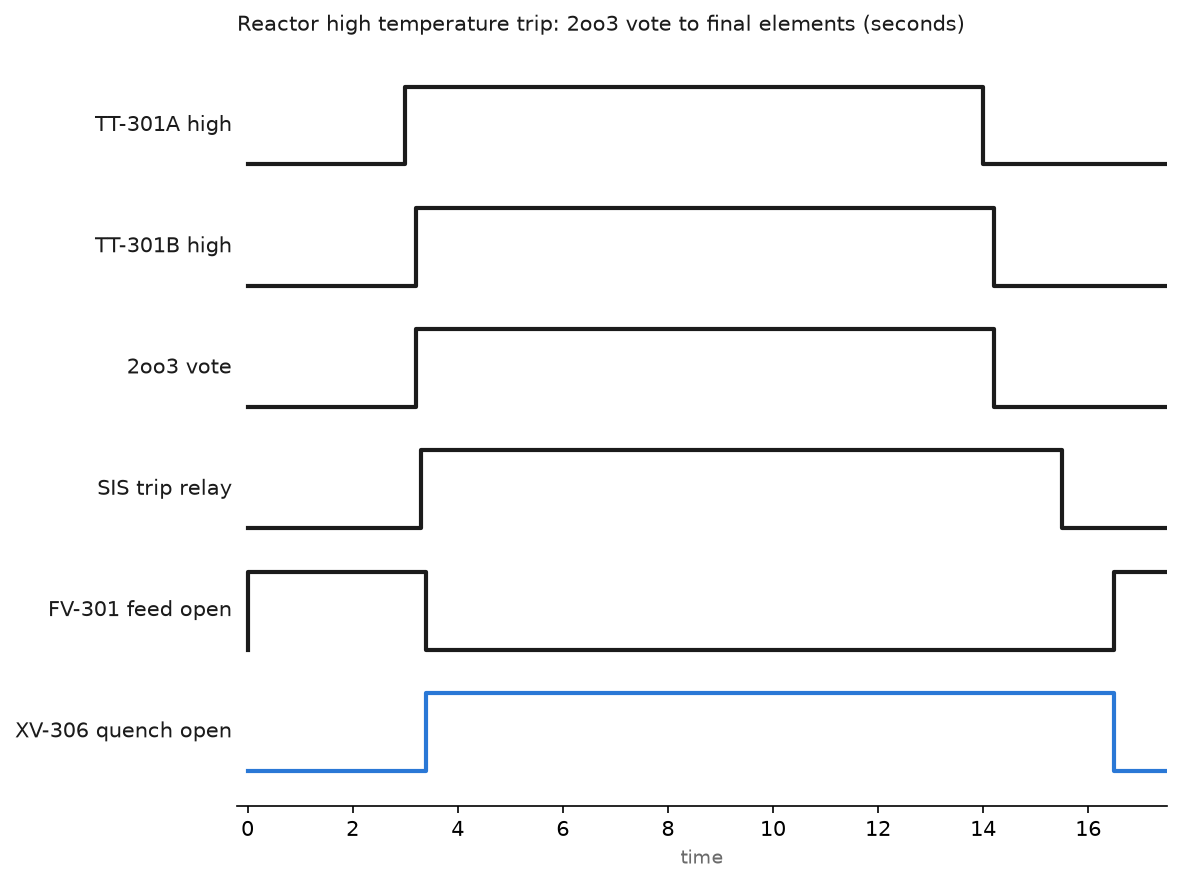
How the BPCS, the SIS and the package PLC split the work on a batch reactor, with a cause and effect matrix, cascade temperature control and IS barriers.
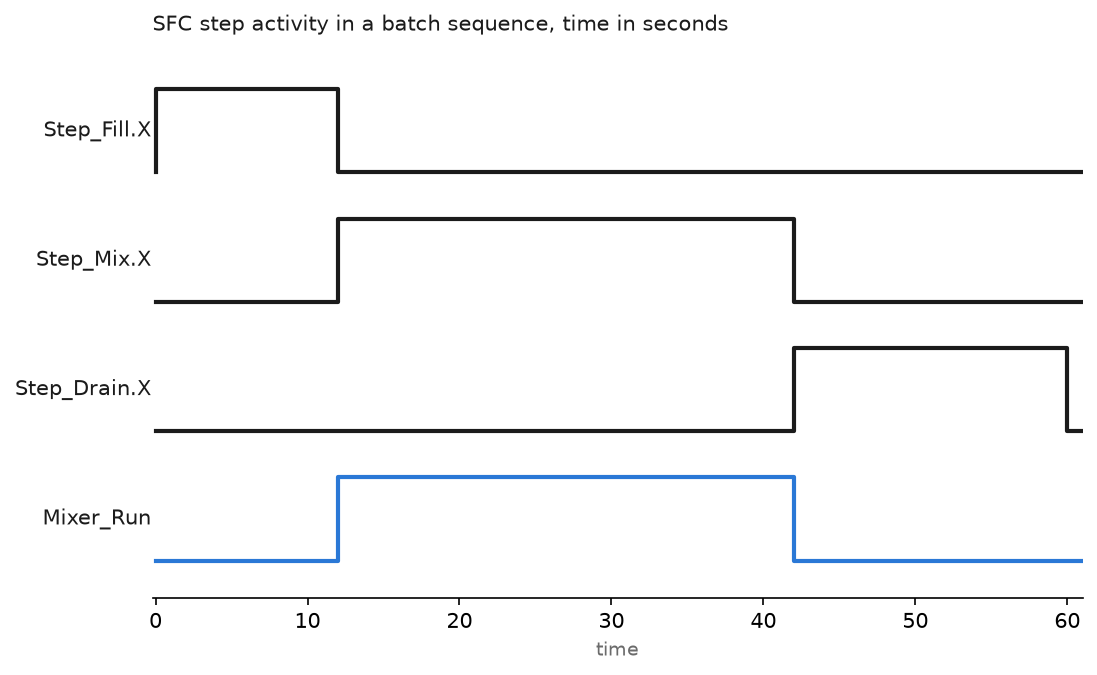
Build a working SFC in Studio 5000: steps, transitions, action qualifiers, the SFC Execution settings that decide what happens on a restart, and S7-GRAPH.
A function block routine that verified fine last week now has a question mark on four blocks and will not download. Or worse, it downloads, runs, and one value on the HMI is always one scan behind the others. Nobody moved a block. Somebody added a wire. Execution order in FBD has nothing to do … Read more

The first program almost everybody writes is a motor start and stop with a seal-in. It works on the bench. Wired into a real panel, the same logic can leave a motor running with the stop button pressed and a broken wire nobody can see. That gap between working and correct is what these exercises … Read more

Safety Add-On Instructions Like standard Add-On Instructions, safety Add-On Instructions let you encapsulate commonly-used safety logic into a single instruction, making it modular and easier to reuse. In addition to the instruction signature used for high-integrity Add-On Instructions, safety Add-On Instructions feature a safety instruction signature ID for use in safety-related functions. Refer to the … Read more

OperShelve The alarm instruction only processes the OperShelve tag on transition from cleared to set to prevent unwanted reshelving of the alarm. For example, if an operator presses a push button to shelve the alarm while the ProgUnshelve tag is set, the alarm is not shelved because the ProgUnshelve tag takes precedence. To shelve the … Read more