Rockwell PLC Softwares

In the realm of industrial automation, Rockwell Automation stands as a stalwart, offering cutting-edge solutions to streamline processes. Central to their portfolio are two powerful PLC programming software platforms – RSLogix 5000 (now part of Studio 5000) and RSLogix 500. This article aims to provide an in-depth comparison of these Rockwell PLC software tools, exploring…
How to use Rockwell PLC Watch Window

Are you new to using Rockwell PLCs and want to learn more about the Watch Window feature? In this blog post, we will cover everything you need to know about the Watch Window, from understanding its interface to utilizing its trending functionality. We will also discuss creating tags and variables, monitoring and modifying tag values,…
Allen-Bradley PLC EDS file download

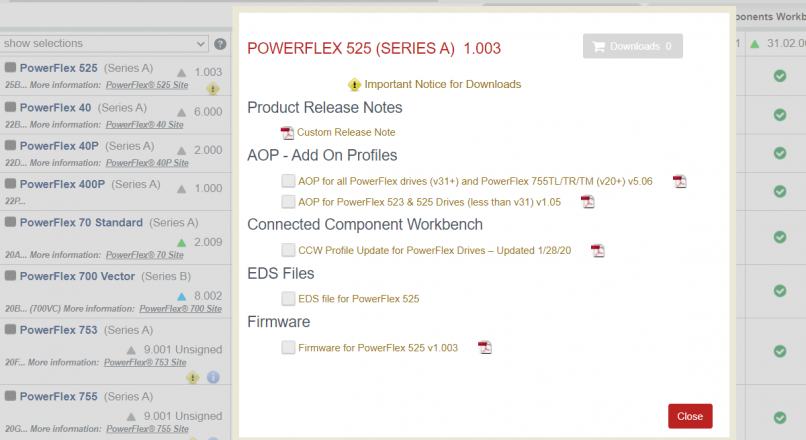
EDS File Download If you search the EDS file you are looking for by typing it on google. It will direct you to the link on the Rockwell site. For example, the result we found on the Rockwell site for the Power Flex 525 drive EDS file will be as follows. Here we click the…
Studio 5000 PLC Programming Software Automation

The latest features will shorten your design times and help improve security Engineers are always under the burden of designing and configuring automation systems faster. Rockwell Automation to streamline the design and configuration processes; Rockwell Software Studio 5000 developed the integrated development platform. The software, which has been integrated with engineering tools, now has new…
ControlLogix PLC Minor Fault Codes and PLC Error Causes and Solutions

PLC Fault Codes The PLC minor fault codes, Type Code Cause Recovery Method 1 15 · A 1769 power supply is connected directly to the controller’s 1768 CompactBus, with an invalid configuration. · The 1768 power supply powering the controller has failed. · Remove the power supply from the 1768 CompactBus and cycle power to…
BootP DHCP EtherNet/IP Tool

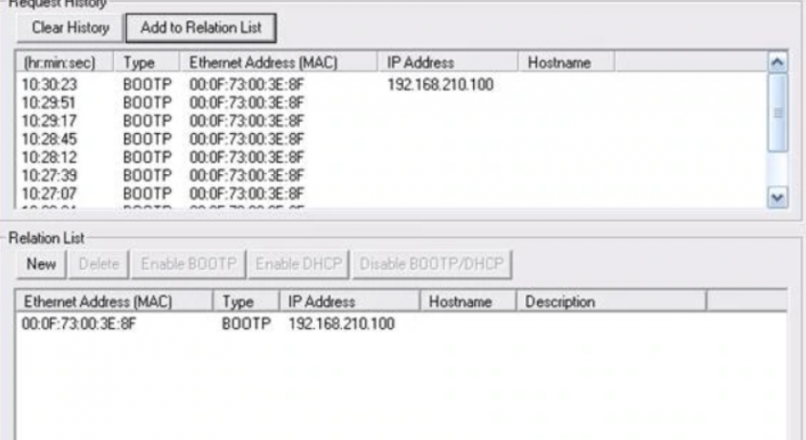
BootP DHCP Usage This tools useful for assign an IP address via DHCP and BOOTP for Allen Bradley products. 1. Connect your PLC and your PC to an Ethernet switch. 2. Go to Start Menu > Rockwell Software > BOOTP-DHCP Server and select the program BOOTP-DHCP Server. Your shortcut may vary on your computer but this…