EtherCAT PLC Systems: Cycle Time and Distributed Clocks
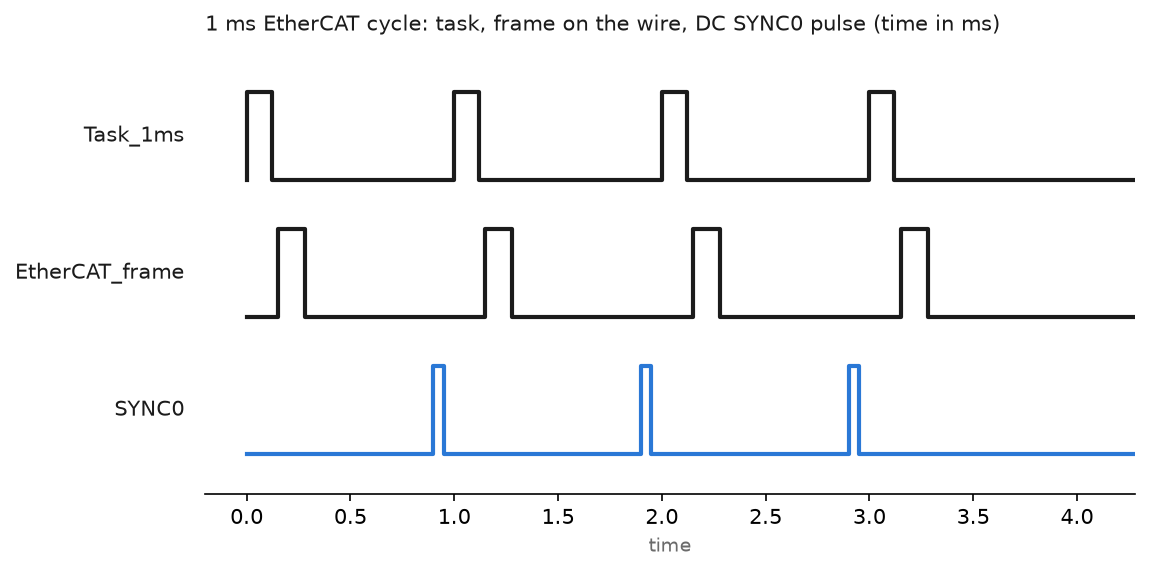
Set up an EtherCAT bus in TwinCAT 3: ESI files, scanning the line, picking a cycle time, distributed clocks and the CRC counters that find a bad cable.
Set up an EtherCAT bus in TwinCAT 3: ESI files, scanning the line, picking a cycle time, distributed clocks and the CRC counters that find a bad cable.

How to Create New Module on Studio 5000 We will talk about how to add modules to the PLC. Adding a new module or device to the PLC is simple in the Logix Designer program. If we do not need the EDS file, that is, if the module we will add is defined in the … Read more

To connect to the PLC, you need to know which communication ports the PLC you want to connect has. In this article, I will show you how to connect to a virtual PLC on Emulator. If you do not know the emulator settings or if you are going to work with the PLC emulator for … Read more

ControlLogix PLC Fault Codes You can find ControlLogix PLC Major Fault Codes Type – Code – Cause And Recovery Method Type Code Cause Recovery Method 7 40 Store to nonvolatile memory failed. · Try again to store the project to nonvolatile memory. · If the project fails to store to nonvolatile memory, replace the memory … Read more

If a Logix Designer project is online with a controller that communicates to or through the EtherNet/IP communication device, you can use the Logix Designer application to assign an IP address. To use the Logix Designer application to set the communication device’s IP address, follow these steps 1. In the Controller Organizer, right-click the EtherNet/IP … Read more

BootP DHCP Usage This tools useful for assign an IP address via DHCP and BOOTP for Allen Bradley products. 1. Connect your PLC and your PC to an Ethernet switch. 2. Go to Start Menu > Rockwell Software > BOOTP-DHCP Server and select the program BOOTP-DHCP Server. Your shortcut may vary on your computer but this … Read more