Category: PLC & HMI

  • RSLinx configuration and Connect to PLC

    RSLinx configuration and Connect to PLC

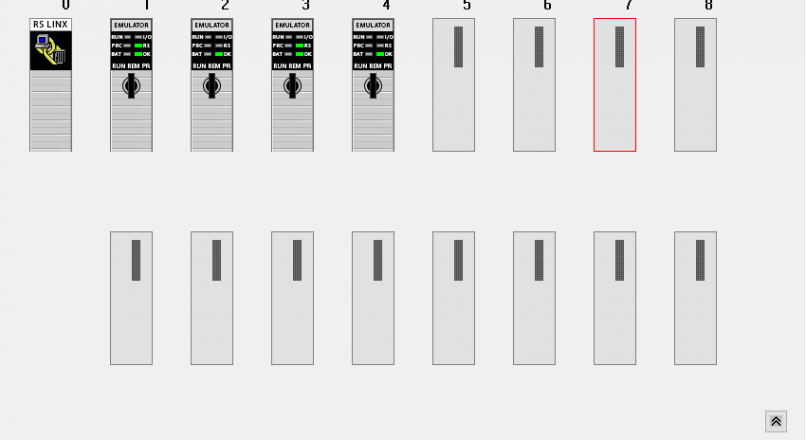
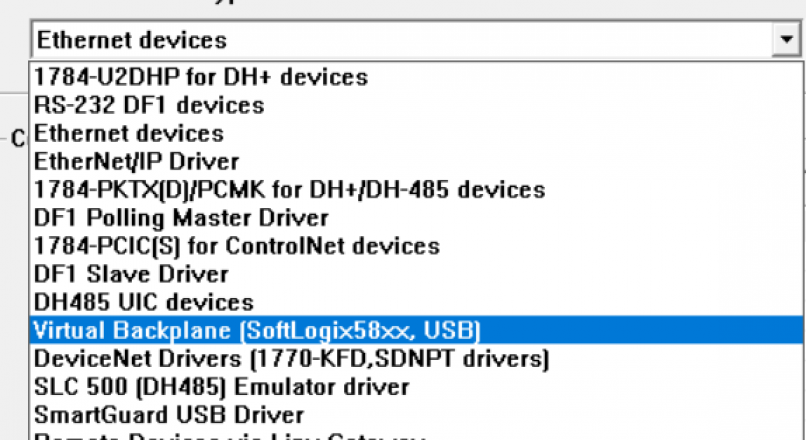
    RSLinx PLC Configuration Open up RSLinx program and click Communications > Configure Drivers and Select the virtual backplane driver in the list. You will all driver types. Choose Virtual Backplane driver. Choose a name for the driver.Then click OK button. After configure virtual backplane you will see status of driver. Status should be running if…

  • PLC Program Download to Studio 5000 Emulator

    PLC Program Download to Studio 5000 Emulator

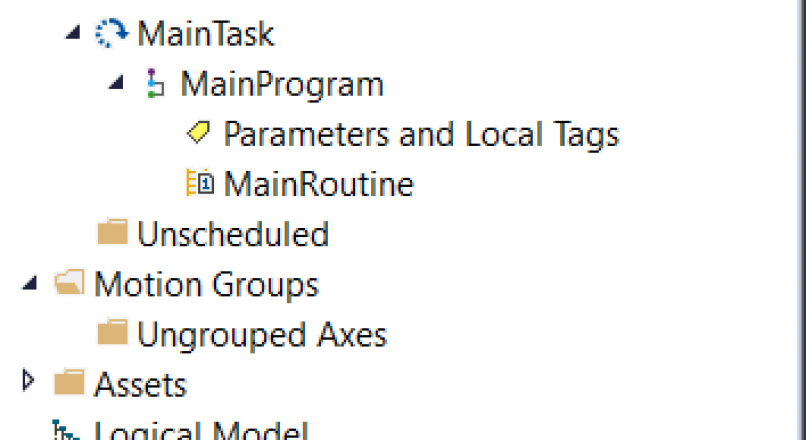
    PLC Programming on Emulator We mentioned the use and installation of Studio 5000 emulators, in our previous article, You can access this article from the link below. Studio 5000 Logix Emulate (Virtual PLC) Now we will talk about how to install the plc program using the studio 5000 emulator. When we open Studio 5000 program,…

  • Studio 5000 Logix Emulate (Virtual PLC)

    Studio 5000 Logix Emulate (Virtual PLC)

    Studio 5000 Logix Emulate Usage It is a virtual PLC where you test the software you usually write without having a real PLC CPU with Studio 5000 Logix Emulators. Studio 5000 Logix Emulator software is a licensed program, so you must download the software by entering your license number from the Rockwell download page and…

  • Siemens Bit Shifter PLC Program

    Siemens Bit Shifter PLC Program

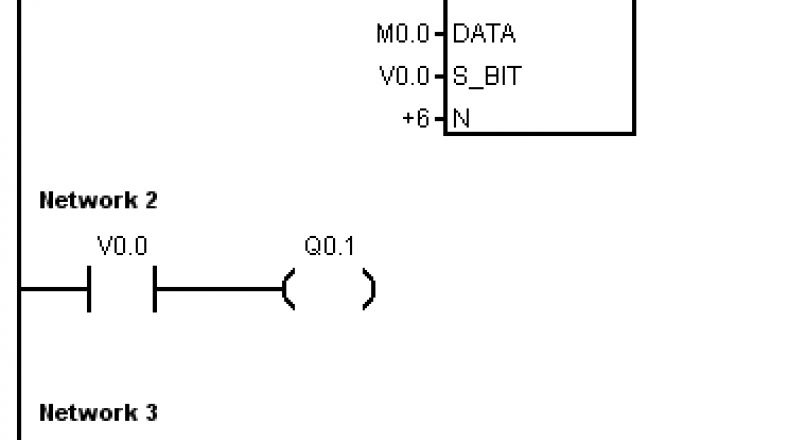
    Siemens PLC Programming Example Shift one bit to the right as long as the button is pressed. NETWORK 1       //NETWORK TITLE (single line) LD     I0.0 EU SHRB   M0.0, V0.0, +6   NETWORK 2 LD     V0.0 =      Q0.1 NETWORK 3 LD     V0.1 =      Q0.1 NETWORK 4 LD     V0.2 =      Q0.2 NETWORK 5 LD     V0.3 =      Q0.2…

  • Siemens PLC Timer Example

    Siemens PLC Timer Example

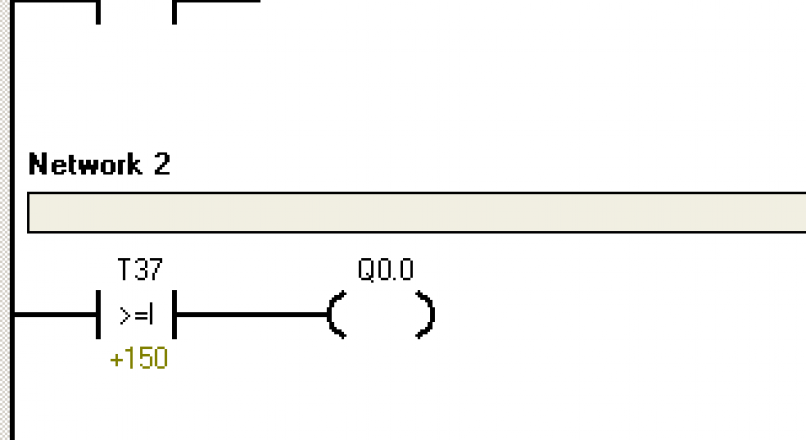
    Siemens PLC Programming Timer Instruction Example The motor will start 15 seconds after the start button is pressed, it will stop after 15 seconds after starting, then it will run again after 15 seconds. The engine will continue to run until you press the Stop button.

  • Siemens PLC Drive Motor Start Stop

    Siemens PLC Drive Motor Start Stop

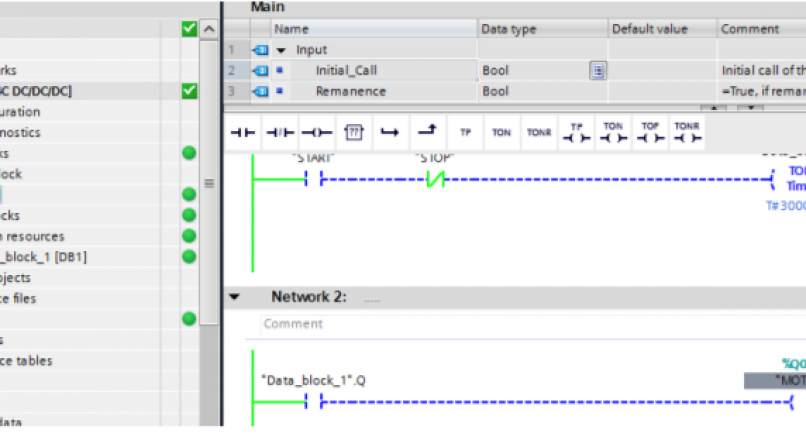
    Siemens PLC Programming Drive Motor Regarding the previous article (Siemens Tia Portal). [irp posts=”3465″ name=”Siemens TIA (Totally Integrated Automation) Portal”] Let’s take an example and show step by step. In order to drive a DC Motor 30 seconds by a button (START and STOP), the following ladder diagram can be used. We choose the first…

  • Siemens TIA (Totally Integrated Automation) Portal

    Siemens TIA (Totally Integrated Automation) Portal

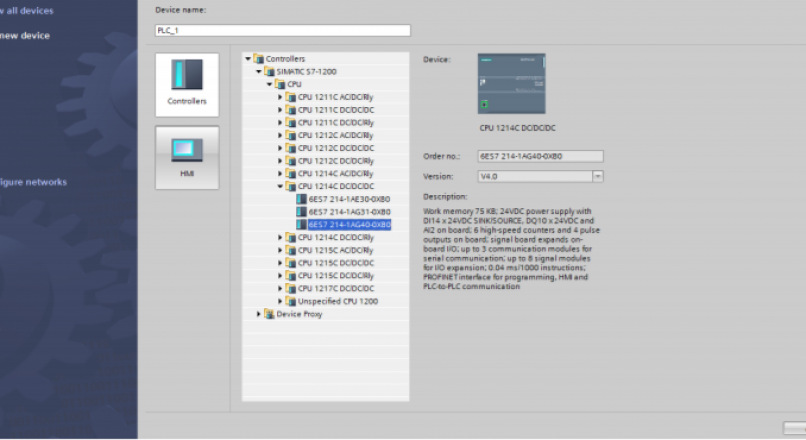
    This tutorial will help you for developing your programming skill with S7- 1200 PLC. We are finding TIA Portal V13 from Start Menu and click it and open the program. Choose Create New Project icon for new project and if you want change your project name also your path and you can add your comments…

  • Count Down (CTD)

    Count Down (CTD)

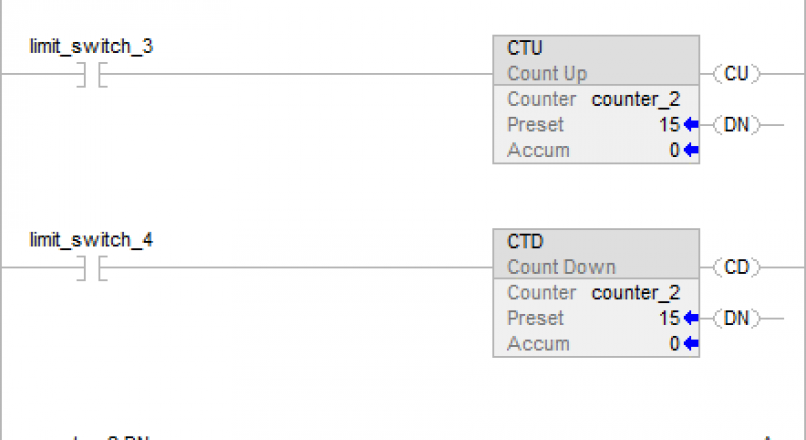
    The CTD instruction counts downward each time the rung-condition-in transitions from false to true. Ladder Diagram Operand Data Type Format Description Counter COUNTER tag Counter structure Preset DINT immediate Value of Counter.PRE. Accum DINT immediate Value of Counter.ACC. COUNTER Structure Mnemonic Data Type Description .CD BOOL The countdown enable bit contains rung-condition-in when the instruction…

  • RsLogix Emulate

    RsLogix Emulate

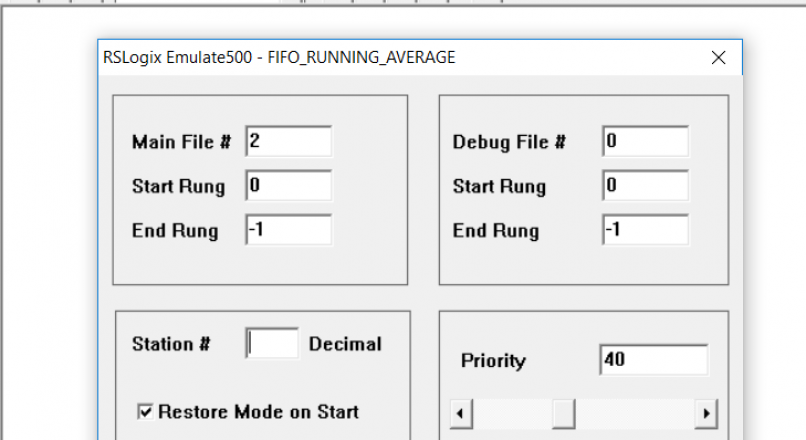
    When you start RsLogix emulator, you will see a window like the one below. Open the existing PLC file under the File menu or by clicking the Open icon. After opening the file, pass the screen by typing station number. When your PLC file is loaded into the emulator, you can run the plc program…

  • Motor Start/Stop via Timer

    Motor Start/Stop via Timer

    When the start button is pressed, the engine will start immediately and stop after 10 seconds. It will run again 10 seconds after it stops. (Two time relays will be used.)