Tag: Studio 5000

  • How to create a project in studio 5000?

    How to create a project in studio 5000?

    Welcome to the comprehensive guide on embarking upon your next automation venture with Studio 5000. Whether you’re a seasoned control systems engineer or a keen enthusiast looking to delve into the world of industrial automation, this post is designed to navigate you through the intricate maze of creating and managing a project in Studio 5000.…

  • Add-On Instructions

    Add-On Instructions

    Add-On Instructions Add-On Instructions are user-defined instructions. When you define an Add-On Instruction in a project it behaves similarly to a built-in instruction. You can define these instructions or they can be provided to you by someone else. An Add-On Instruction enables you to encapsulate your most commonly used logic as sets of instructions. These…

  • RSLogix Studio 5000, How do I open the Tag Editor?

    RSLogix Studio 5000, How do I open the Tag Editor?

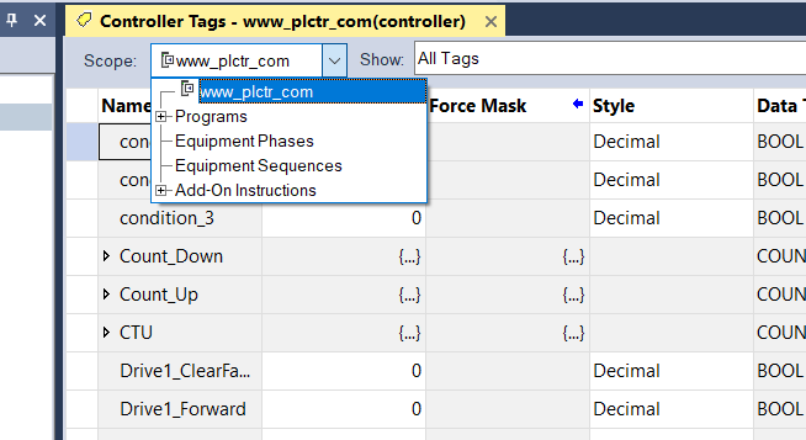
    How do I open the Tag Editor? Tags are stored in the tag database associated with a Logix Designer project. Use the Tag Editor to create and manage tags. Access the Tag Editor from the Edit Tags tab in these windows: Controller Tags Parameters and Local Tags (when working with Program tags, Equipment Phase tags, Equipment Sequence tags, or Add-On Instruction tags)…

  • How to add PowerFlex AC Drive to Studio 5000 Project

    How to add PowerFlex AC Drive to Studio 5000 Project

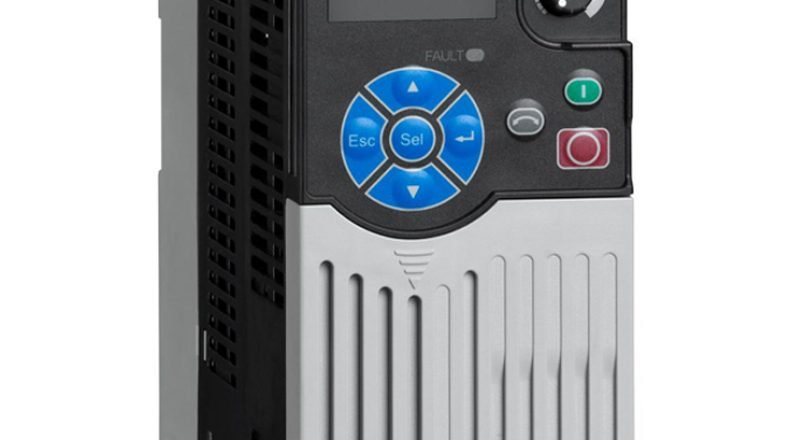
    Allen Bradley Power Flex AC Driver Allen Bradley Power Flex AC drives can communicate with the desired communication protocol by installing Ethernet/IP, ControlNet, and DeviceNet modules. In the main chassis, we will continue with the article where Control Logix PLC is located and we added an ethernet module in our previous article. New Module Add…

  • New Module Add to PLC with Logix Designer

    New Module Add to PLC with Logix Designer

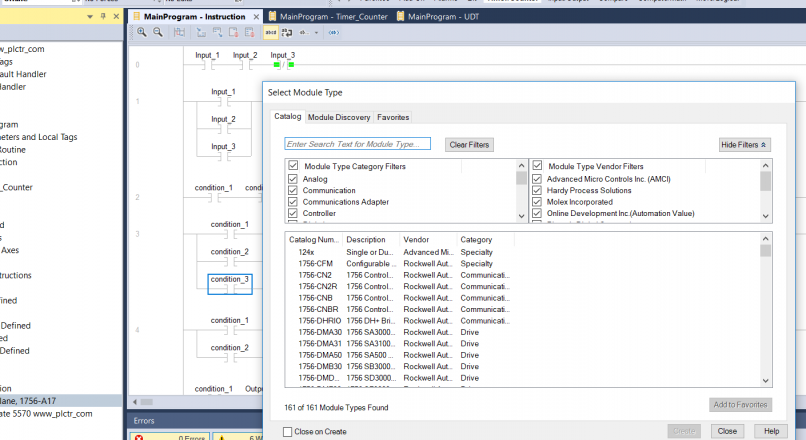
    How to Create New Module on Studio 5000 We will talk about how to add modules to the PLC. Adding a new module or device to the PLC is simple in the Logix Designer program. If we do not need the EDS file, that is, if the module we will add is defined in the…

  • User Defined Datatype UDT Usage Examples in RSLogix 5000 PLC

    User Defined Datatype UDT Usage Examples in RSLogix 5000 PLC

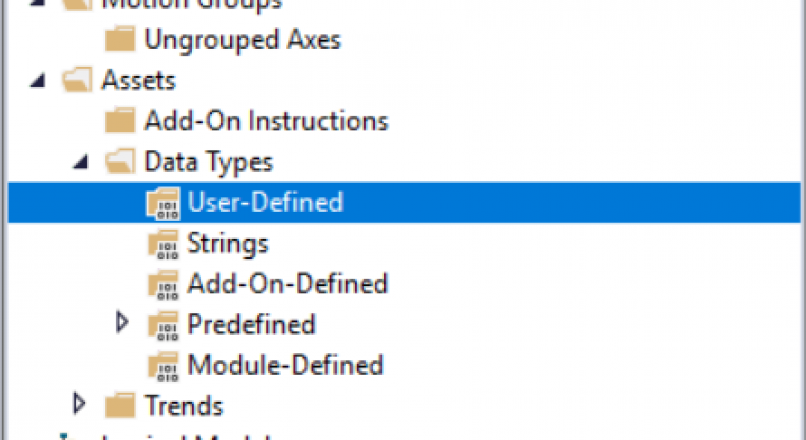
    User-Defined Data Type UDT user-defined data type, it saves us from doing multiple jobs. Programming already does a lot of work with shortcodes. UDT data type, for example; You have more than one engine, and if you are going to create the same blocks of the same tags in all of them. Or if you…

  • RSLogix PLC Programming Motor Start/Stop program

    RSLogix PLC Programming Motor Start/Stop program

    Motor Start/Stop One Button Example We will examine how to start and stop an engine with a single button. Of course, while doing this, we plan to do this with minimum staff. In order to be suitable for the electrical circuit, instead of Latch and Unlatch (Set – Reset) commands the contacts that sealed it…

  • RSLinx configuration and Connect to PLC

    RSLinx configuration and Connect to PLC

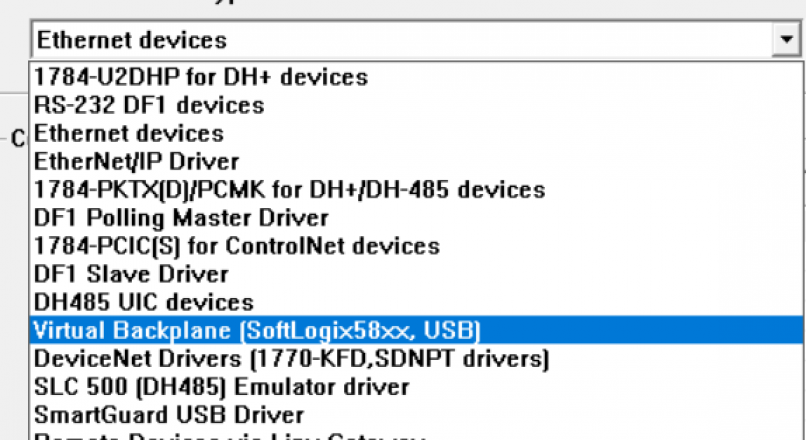
    RSLinx PLC Configuration Open up RSLinx program and click Communications > Configure Drivers and Select the virtual backplane driver in the list. You will all driver types. Choose Virtual Backplane driver. Choose a name for the driver.Then click OK button. After configure virtual backplane you will see status of driver. Status should be running if…

  • PLC Program Download to Studio 5000 Emulator

    PLC Program Download to Studio 5000 Emulator

    PLC Programming on Emulator We mentioned the use and installation of Studio 5000 emulators, in our previous article, You can access this article from the link below. Studio 5000 Logix Emulate (Virtual PLC) Now we will talk about how to install the plc program using the studio 5000 emulator. When we open Studio 5000 program,…

  • Studio 5000 PLC Programming Software Automation

    Studio 5000 PLC Programming Software Automation

    The latest features will shorten your design times and help improve security Engineers are always under the burden of designing and configuring automation systems faster. Rockwell Automation to streamline the design and configuration processes; Rockwell Software Studio 5000 developed the integrated development platform. The software, which has been integrated with engineering tools, now has new…