Category: PLC & HMI

  • RSLogix 500 PLC Programming PID Control Example

    RSLogix 500 PLC Programming PID Control Example

    PLC Programming PID Control In the previous article, we gave information about what is PID and PID control. Now we will learn how to control the pressure with PID in PLC. PLC PID Control Automation In the following program example, the PID instruction is used to control the pressure of a vessel using a pressure…

  • PLC PID Control Automation

    PLC PID Control Automation

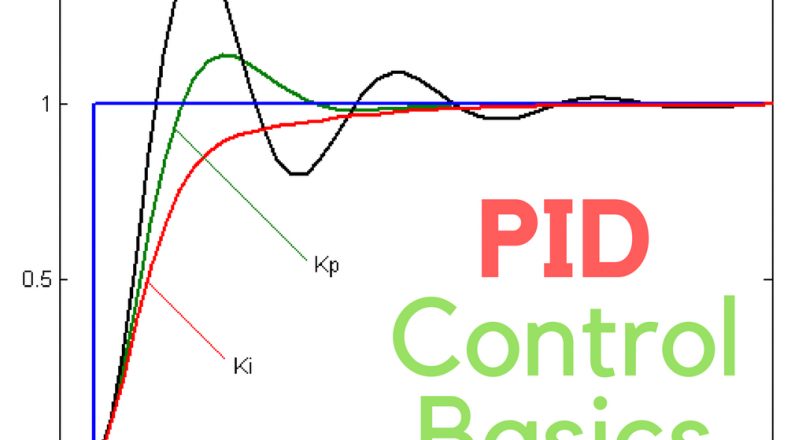
    A closed-loop control system for position control is comprised of proportional integral and derivative circuits and is often referred to as a PID (proportional–integral–derivative controller ) PID control is a common closed-loop system used to maintain physical property such as pressure and temperature in automated processes. the PID instruction controls the closed-loop by comparing the…

  • PLC Trend Chart Settings And Monitoring

    PLC Trend Chart Settings And Monitoring

    In our previous article, we gave examples of the advantages of trend chart and how to use it in plc. In this article, we will examine how to create a trend chart by writing a program in plc. We created a timer for the plc trend chart we will create and a command for the…

  • Connect to PLC and Comminucation Interface

    Connect to PLC and Comminucation Interface

    To connect to the PLC, you need to know which communication ports the PLC you want to connect has. In this article, I will show you how to connect to a virtual PLC on Emulator. If you do not know the emulator settings or if you are going to work with the PLC emulator for…

  • PLC Trend Page Usage, Tag History and Monitoring

    PLC Trend Page Usage, Tag History and Monitoring

    PLC Programming Trend Chart PLC Trend pages are used to follow the values ​​online in the form of graphics when we determine the values. Where and how to use PLC Trends, what are the benefits, we will explain the tricks and trend settings in this article. You do not need to constantly monitor variable or…

  • PLC Programming Calculator Example

    PLC Programming Calculator Example

    PLC Programming Example Design the circuit that adds up to 2 sensors (input), presses the F1 button, subtracts when the F2 button is pressed, divides when the F3 button is pressed, multiplies when the F4 button is pressed, and gives the output to the output. Let’s do the PLC simulation.   I1.5 Start I0.0 1st…

  • Siemens PLC Example 4 separate buttons and motors

    Siemens PLC Example 4 separate buttons and motors

    Siemens PLC Programming with Example Drive motors via siemens plc We will drive motors with four separate buttons, each motor has a different run command, and stop command. And we will add one rule for all motors that  motors can run for more than 30 minutes, If any motor has been on for 30 minutes,…

  • Siemens PLC Programming Example Rail Travels Between Points

    Siemens PLC Programming Example Rail Travels Between Points

    Siemens PLC Programming Example The load carrier on a rail travels between two points. This work, which is carried out by changing the direction of rotation of a motor, is started with a start button. When the trolley reaches the forward or back end point, it moves in the other direction without stopping. Pressing the…

  • FactoryTalk Activation Manager

    FactoryTalk Activation Manager

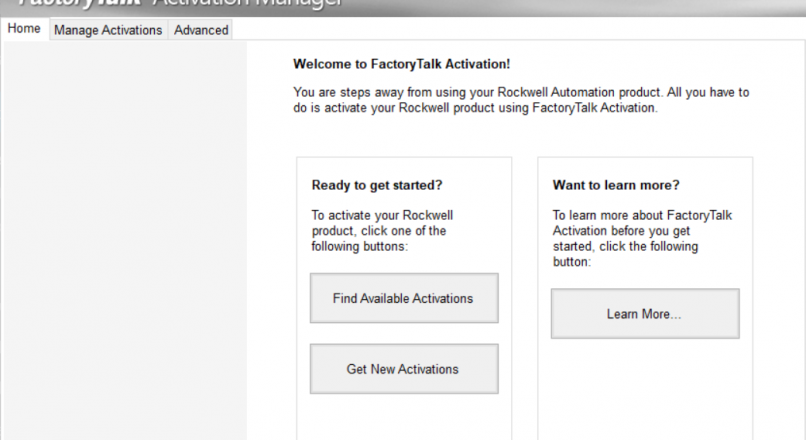
    What is FactoryTalk Activation Manager, How it works? You can manage, add, rent and manage new licenses, download licenses over the internet, and also through the factorytalk activation manager. You can download to licence ​​on the local server or on the server and you can use it where you want. Usually licences saved on server…

  • RSLogix PLC Programming Motor Start/Stop program

    RSLogix PLC Programming Motor Start/Stop program

    Motor Start/Stop One Button Example We will examine how to start and stop an engine with a single button. Of course, while doing this, we plan to do this with minimum staff. In order to be suitable for the electrical circuit, instead of Latch and Unlatch (Set – Reset) commands the contacts that sealed it…