Category: PLC & HMI

  • How to create a project in studio 5000?

    How to create a project in studio 5000?

    Welcome to the comprehensive guide on embarking upon your next automation venture with Studio 5000. Whether you’re a seasoned control systems engineer or a keen enthusiast looking to delve into the world of industrial automation, this post is designed to navigate you through the intricate maze of creating and managing a project in Studio 5000.…

  • How to use Rockwell PLC Watch Window

    How to use Rockwell PLC Watch Window

    Are you new to using Rockwell PLCs and want to learn more about the Watch Window feature? In this blog post, we will cover everything you need to know about the Watch Window, from understanding its interface to utilizing its trending functionality. We will also discuss creating tags and variables, monitoring and modifying tag values,…

  • Control Logix PLC Ladder Troubleshooting

    Control Logix PLC Ladder Troubleshooting

    Welcome to the intricate world of industrial automation, where ensuring the seamless operation of Control Logix PLC systems is vital to the success of your manufacturing or processing plant. Troubleshooting ladder logic in these complex devices can be daunting, even for the most seasoned professionals. With a myriad of potential issues that can arise, from…

  • Allen Bradley Faults and Solutions

    Allen Bradley Faults and Solutions

      Heading Introduction Understanding Allen Bradley Faults Common Allen Bradley Faults Fault: Communication Error Solution: Checking Communication Settings Fault: Input/Output (I/O) Error Solution: Verifying I/O Module Connections Fault: Program Execution Error Solution: Reviewing Program Logic Fault: Hardware Fault Solution: Troubleshooting Hardware Issues Fault: Power Supply Issue Solution: Checking Power Supply Connections Fault: Overheating or Temperature…

  • PLC Programming Example

    PLC Programming Example

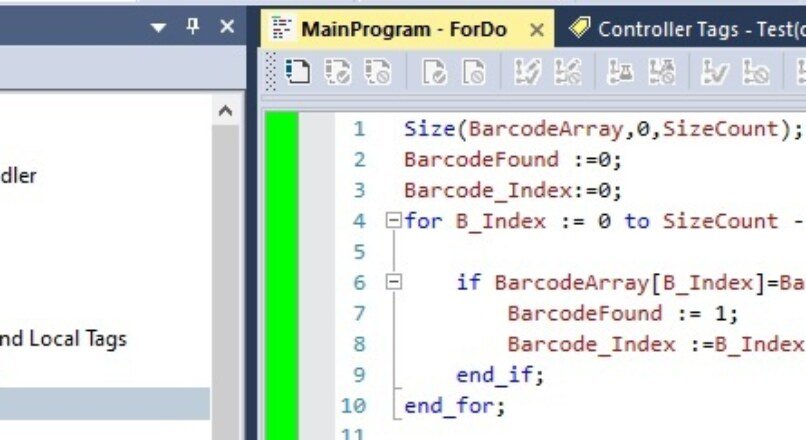
    We can use the “FOR DO” command structure to find the sought value in an array. In the example below, I will explain how to run the “FOR DO” command in the STL language that I have prepared for you and understand the index number of a number in the array or whether this number…

  • PLC AVE (Average) Instruction Example

    PLC AVE (Average) Instruction Example

    We all know what the mean command means and what it does mathematically. The average command is generally used to average a series of variables. In general, we assign the data to an array every second so that it is not affected by instantaneous changes at the decision-making point according to variable values such as…

  • PLC FIFO Instructure Usage (FFL)

    PLC FIFO Instructure Usage (FFL)

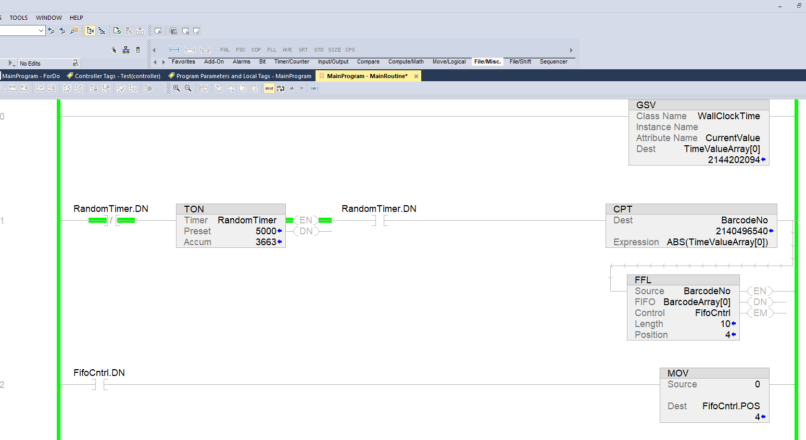
    In this topic, we will see how the FFL (Fifo Load) command works and we will examine the Fifo command. The FIFO command is a command used in arrays. As the name suggests, it works with First In First Out logic. Also because arrays are used as local databases in PLC. With the FIFO command,…

  • Create Controller Fault Routine

    Create Controller Fault Routine

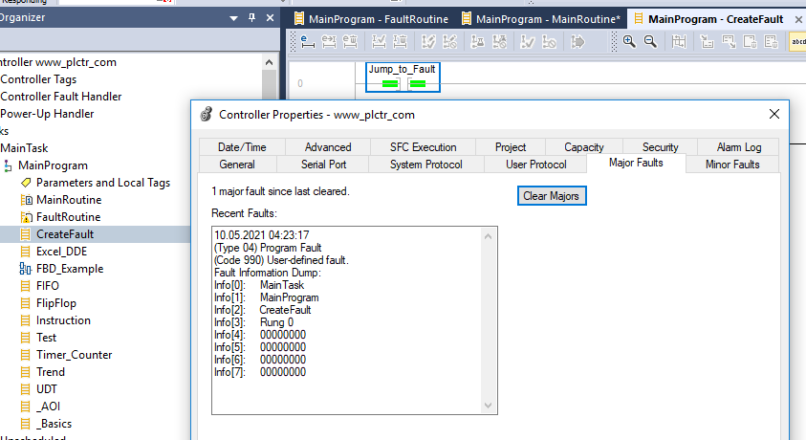
    Check for a Specific Fault In this article,  we will learn how to clear fault on Allen Bradley PLCs.  Which is the continuation of our previous article. We will examine the automatic cleaning of the fault types that we have determined specifically, and error notifications at prescan time. You can find our previous article at…

  • PLC Controller Fault Routine

    PLC Controller Fault Routine

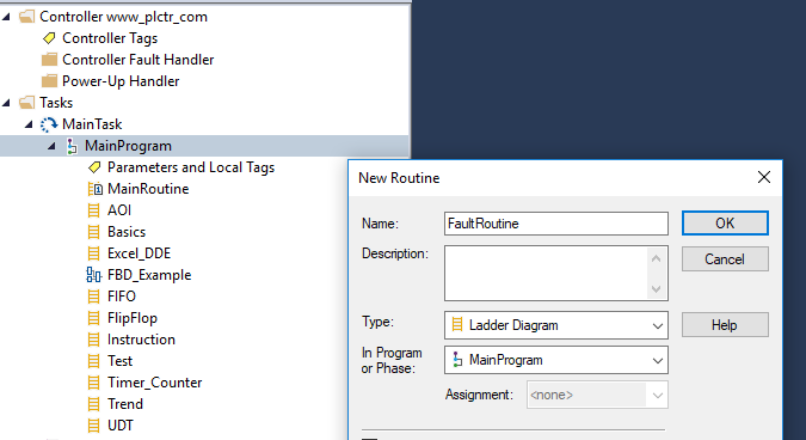
    If there are software or hardware errors in the PLC, you may not want to catch the error or stop your whole system due to the error. In these cases, you can use a fault routine to clear the fault and allow some part of your system to continue running. Failure routine runs the routines…

  • RSLogix Emulate 500 Usage

    RSLogix Emulate 500 Usage

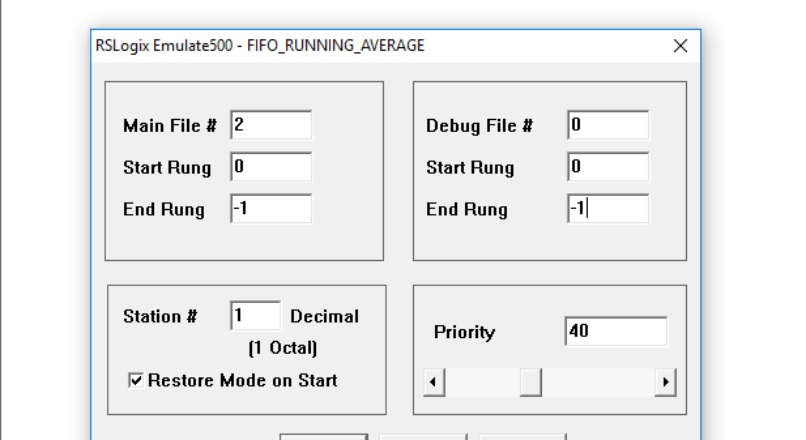
    RSLogix 500 emulator program is a software simulator for SLC500 plcs. You can load your plc programs to the emulator and run and simulate without the need for real plc. Where can I download the RSLogix 500 program? The RSLogix program can be downloaded from the Product Download page on the Rockwell site. . You…