Comparing Offline and Online Blocks in TIA Portal: the Checksums, the Symbols and the Detailed View
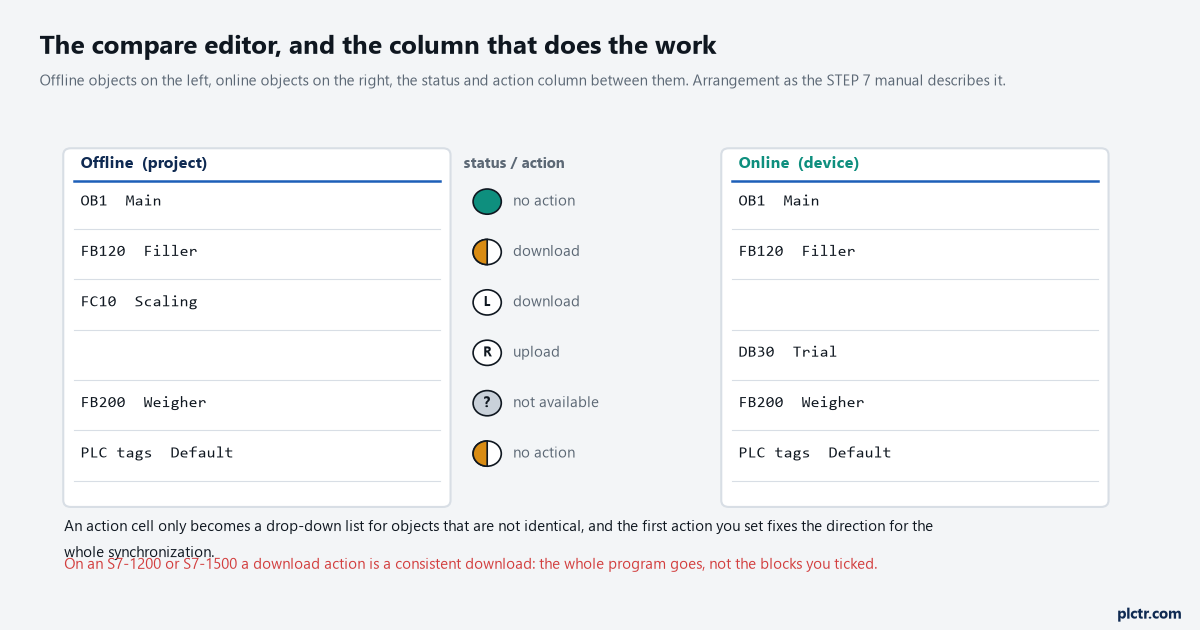
FB120 carries the orange half-circle in the project tree and the block you have open is the one you wrote on Tuesday. On an S7-1500 that symbol is the result of a checksum comparison, not a time stamp comparison, and the manual lists more than a dozen separate checksums behind it. Three of them have … Read more